1. Overview
This guide explains how to install and use the slide deck automation scenario build by layerproof on Make.
🎥 Video Demo
2. Requirements
- A Make account
- Layerproof Node app already installed (via shared link)
- Access to required connected services (if applicable)
3. Import Scenario
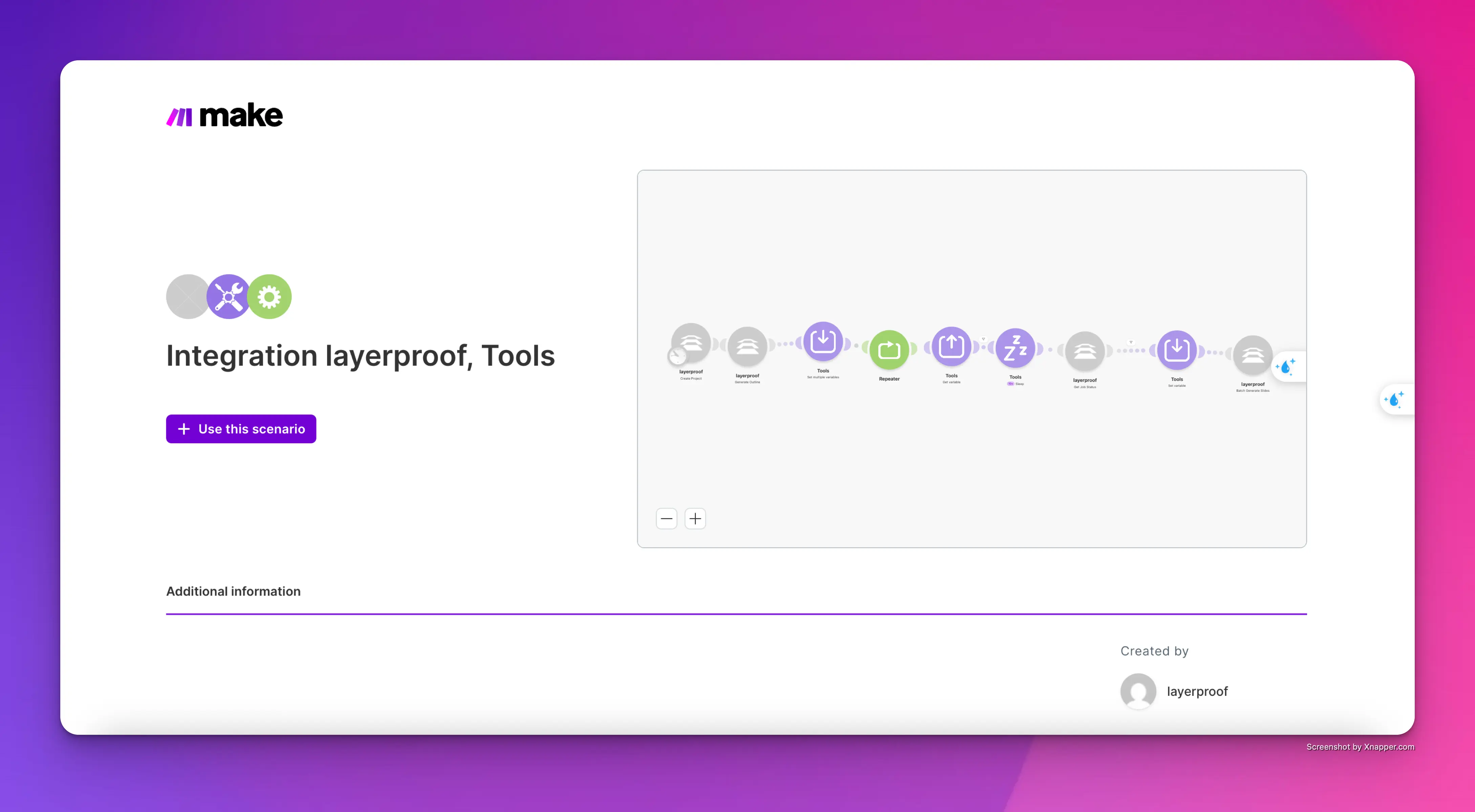
- Open the shared scenario link: https://us2.make.com/public/shared-scenario/iMwbg9pwB3T/integration-layerproof-tools
- Click Save a copy
- The scenario will be added to your workspace
4. Set Up Connections
- Open modules with ⚠️
- Click Add connection (layerproof api key)
- Authorize your accounts
5. Configure Settings
- Verify IDs, URLs, tokens
- Adjust filters if needed
6. Test Scenario
- Click Run once
- Trigger the scenario
- Check execution logs
7. Activate
- Turn the scenario ON
8. Troubleshooting
- Reconnect failed connections
- Check trigger setup
- Validate data mapping
9. Support
- Contact: hello@layerproof.app