LayerProof is the creative suite for marketers that turns your briefs, data, and brand into finished visual assets.
Today, your brand becomes part of the system.
(5 seconds) 📝
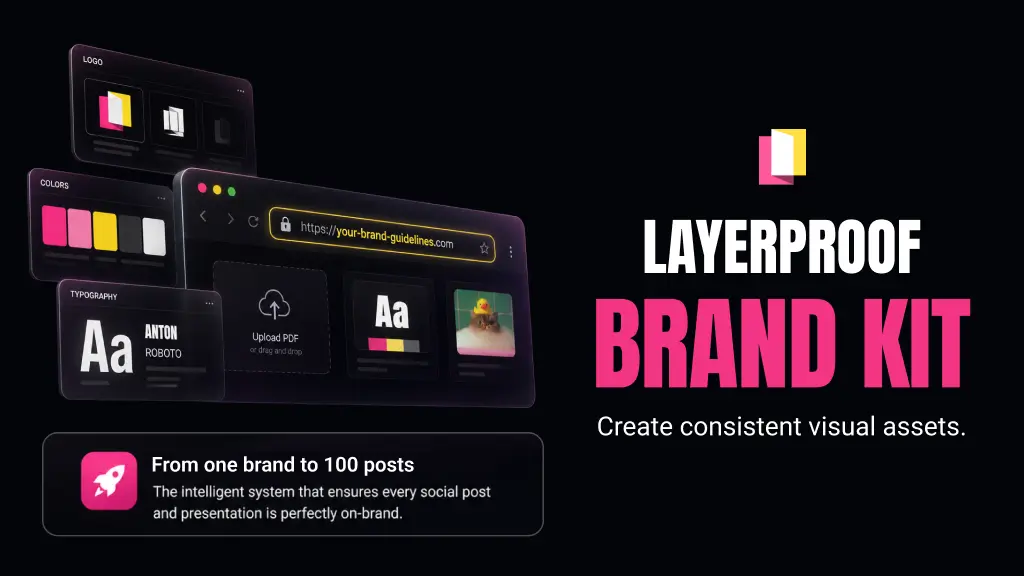
brand kIt remembers your brand.
Your logo, colors, typo, voice, and assets now live in one place.
Brand Themes give your brand directions.
Different looks for launches, products, or audiences — all under the same brand.
APPLICABLE FOR SOCIAL MEDIA POSTS & PRESENTATION
When you create in LayerProof, your brand is already there before the pixel lands.
We interviewed our real users.
We want to deeply understand how marketers use LayerProof. For months, they told us they struggled in prompting AI to use their right logo, color palette, or typography.
The outcomes were fine but they weren't "on-brand", they became unusable.
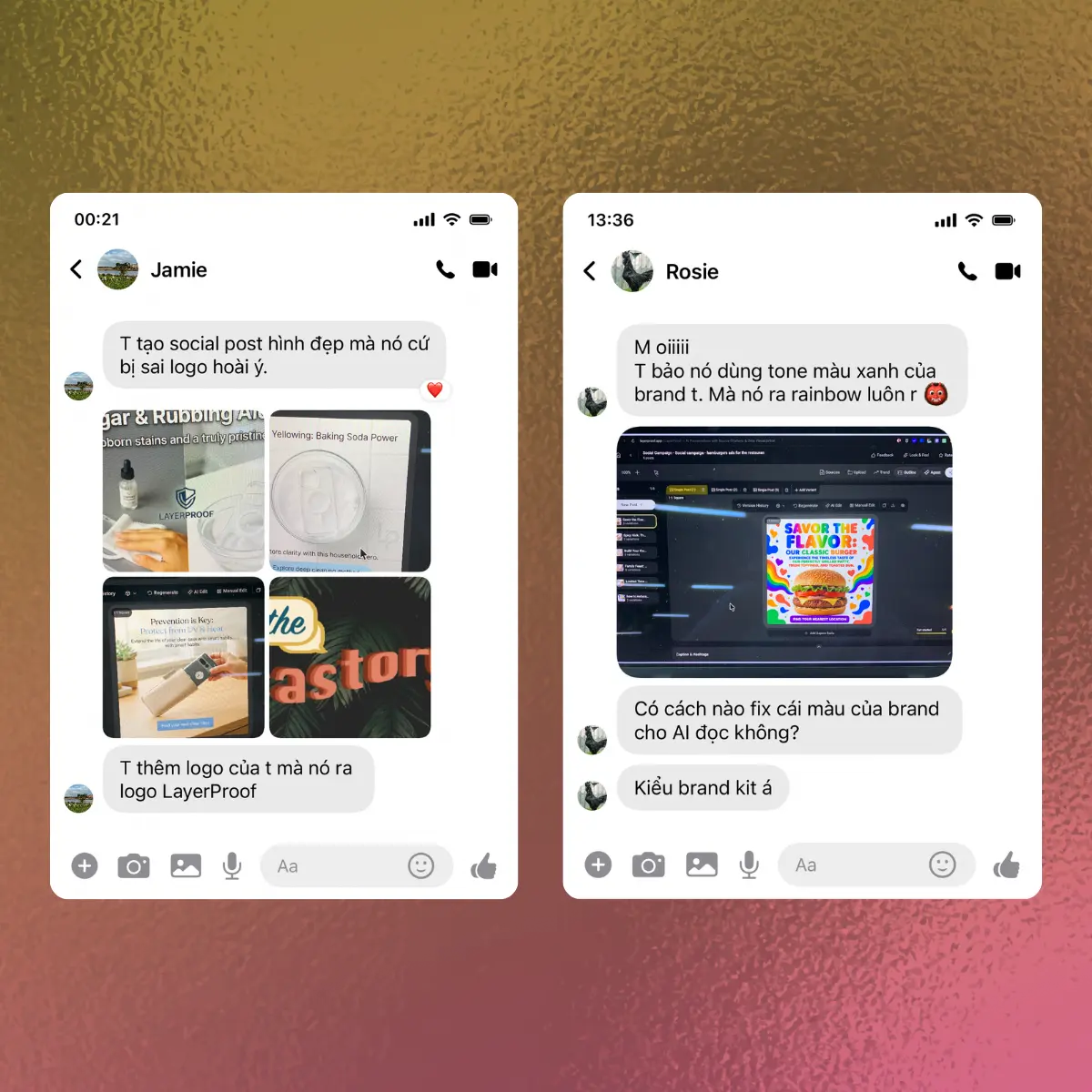
"I created social post but AI got wrong logo"
"I asked AI to use my brand's blue but it gave me another colors"
“I said no to that word, but AI added it anyway”
The problem: AI doesn't remember what your brand looks like.
Every time you prompt, you have to re-explain it from scratch instead of the AI just knowing. And the fix already existed — you had brand guidelines all along, but nowhere in our platform to store them.
So we built Brand Kit.
MEET THE BRAND KIT
Brand Kit is a permanent home for the parts of your brand that should not have to be re-explained every time you create.
Today, your brand becomes part of the system.
❌ Without Brand Kit: generic defaults (stock fonts, colors, no logo). You have to manually guide Agent each time. Slow and inconsistent
✅ With Brand Kit: Everything you create stays visually consistent and "on-brand" without manual setup each time. Faster and easier!
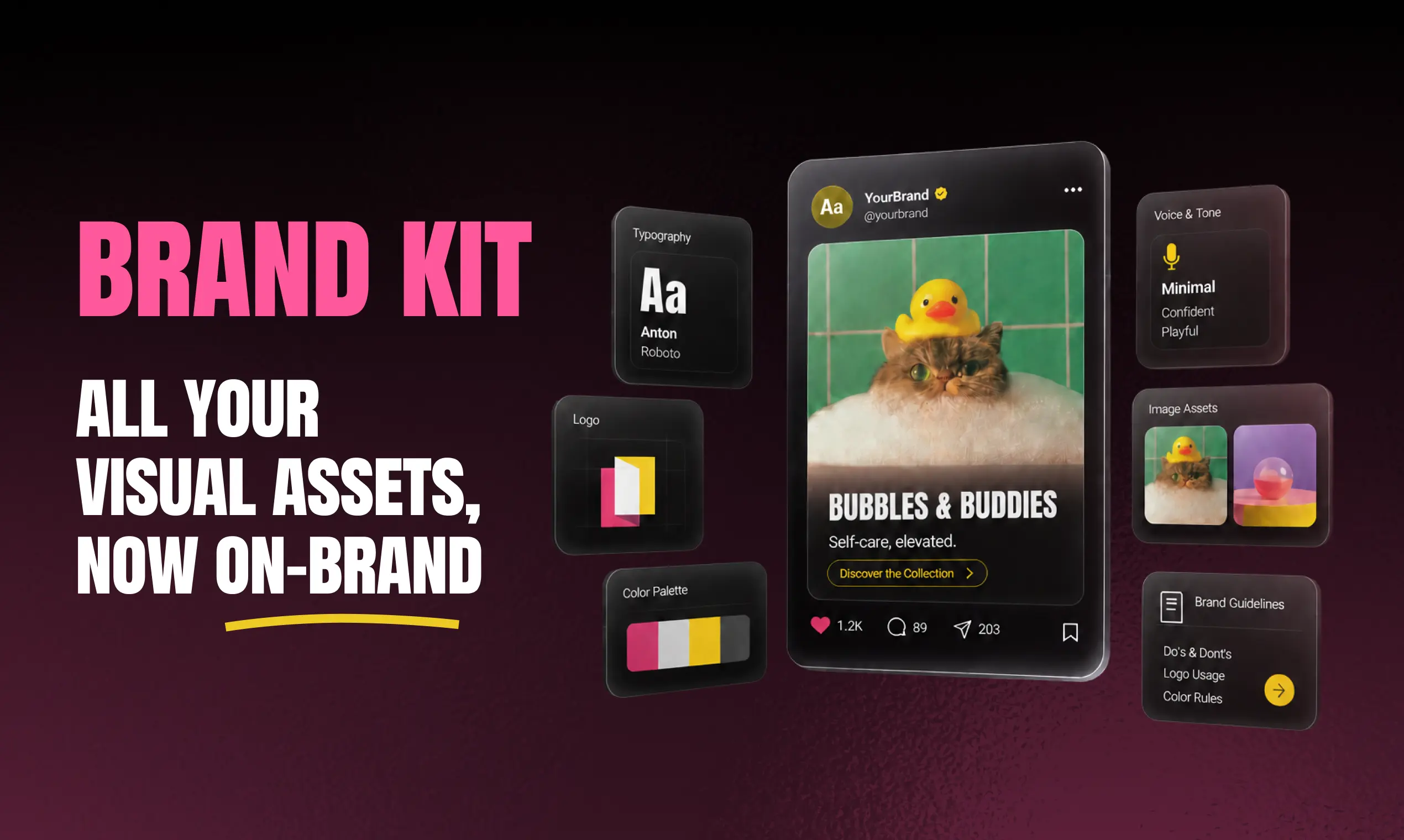
That is the whole trick, and honestly we are a little smug about how simple it turned out to be. Vague taste becomes rules a machine can follow. You never have to remember your blue is #1A73E8 again. The agent already knows.
In Brand Kit, each component locks down a different dimension of identity—look, voice, and usage—so that everything you create stays consistent, recognizable, and on-brand
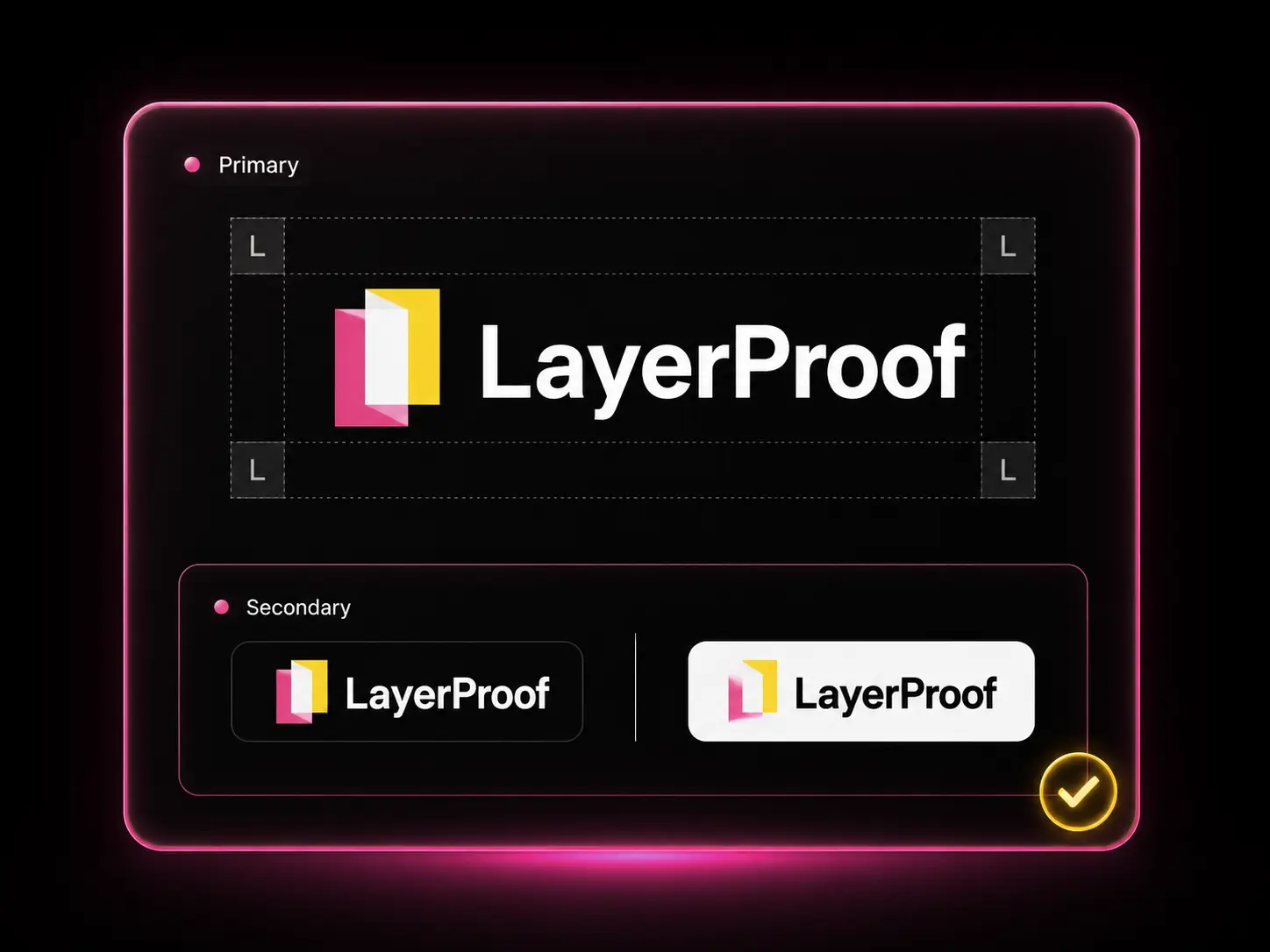
The right mark, in the right place, with the right version.
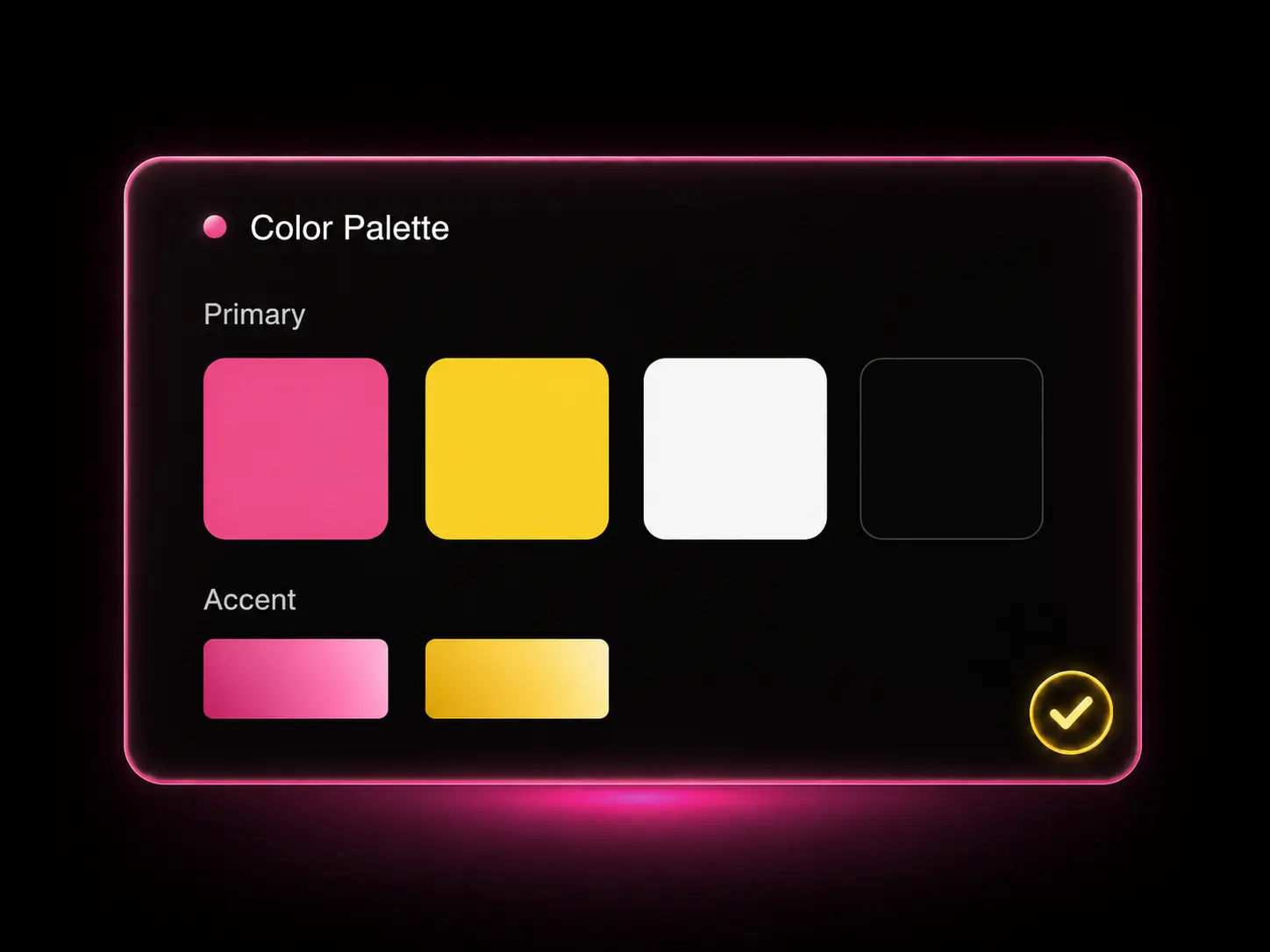
Your exact colors, saved and ready.
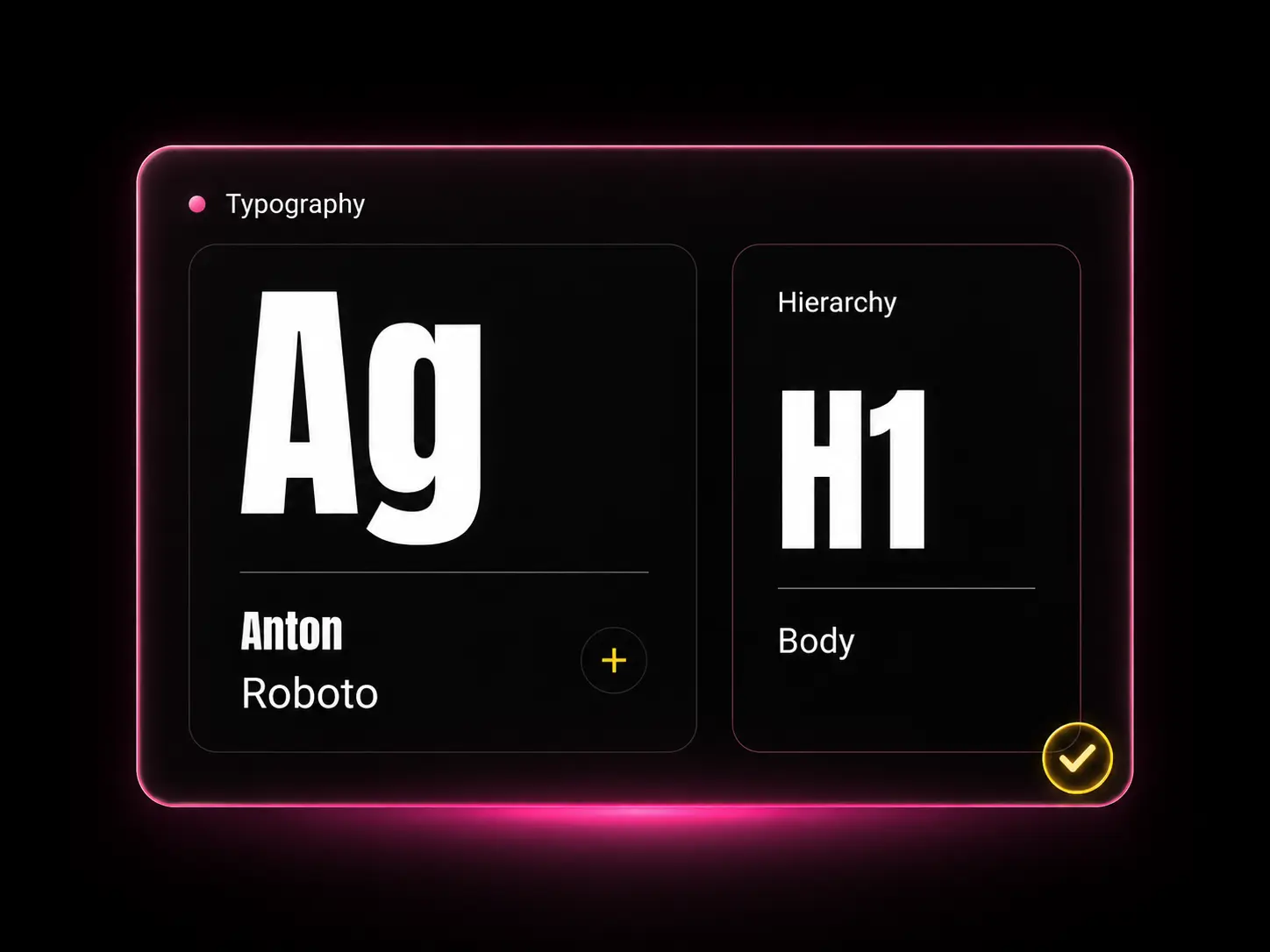
Your fonts, hierarchy, and how they should work together.
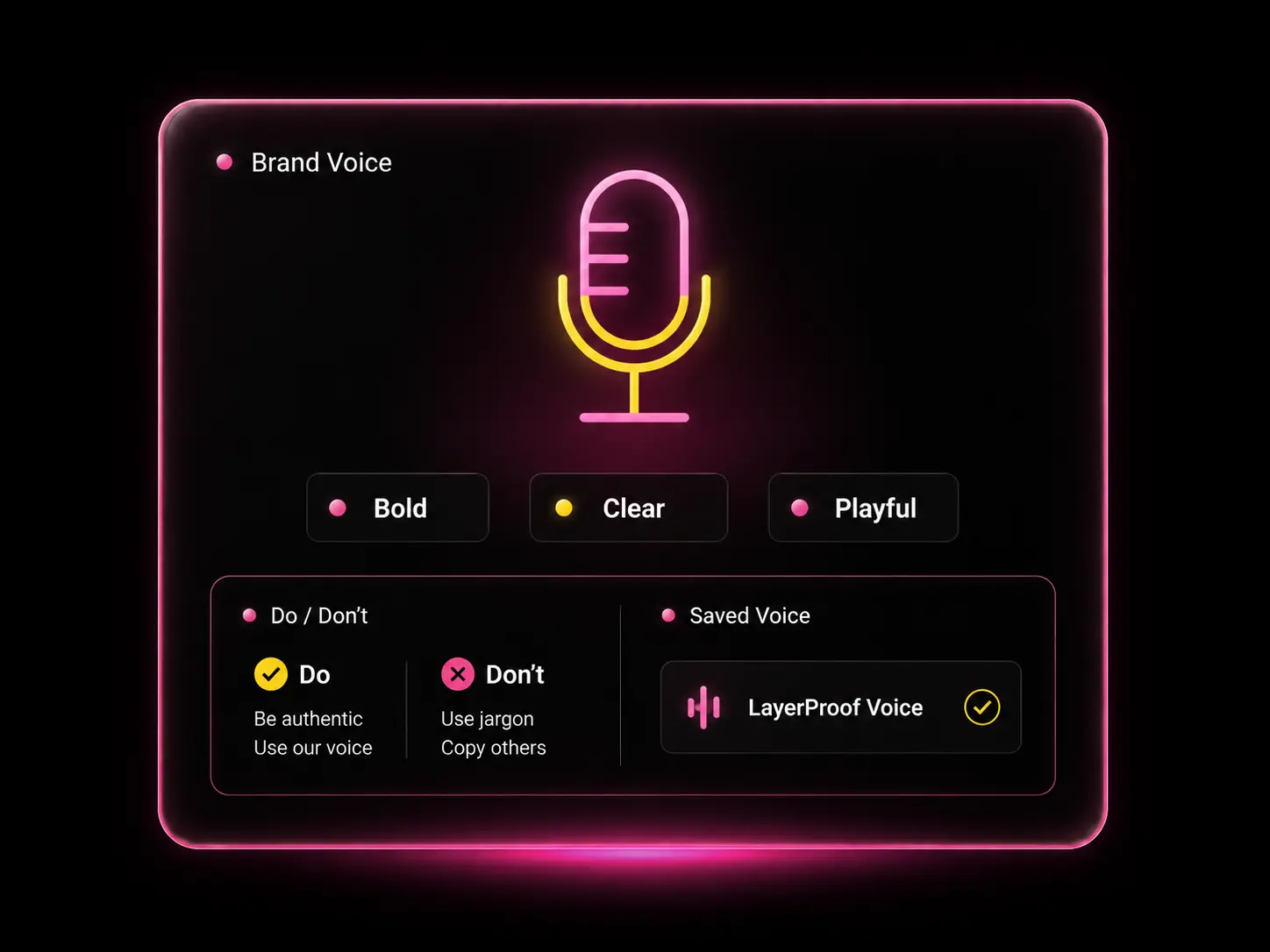
The words you use. The words you avoid.
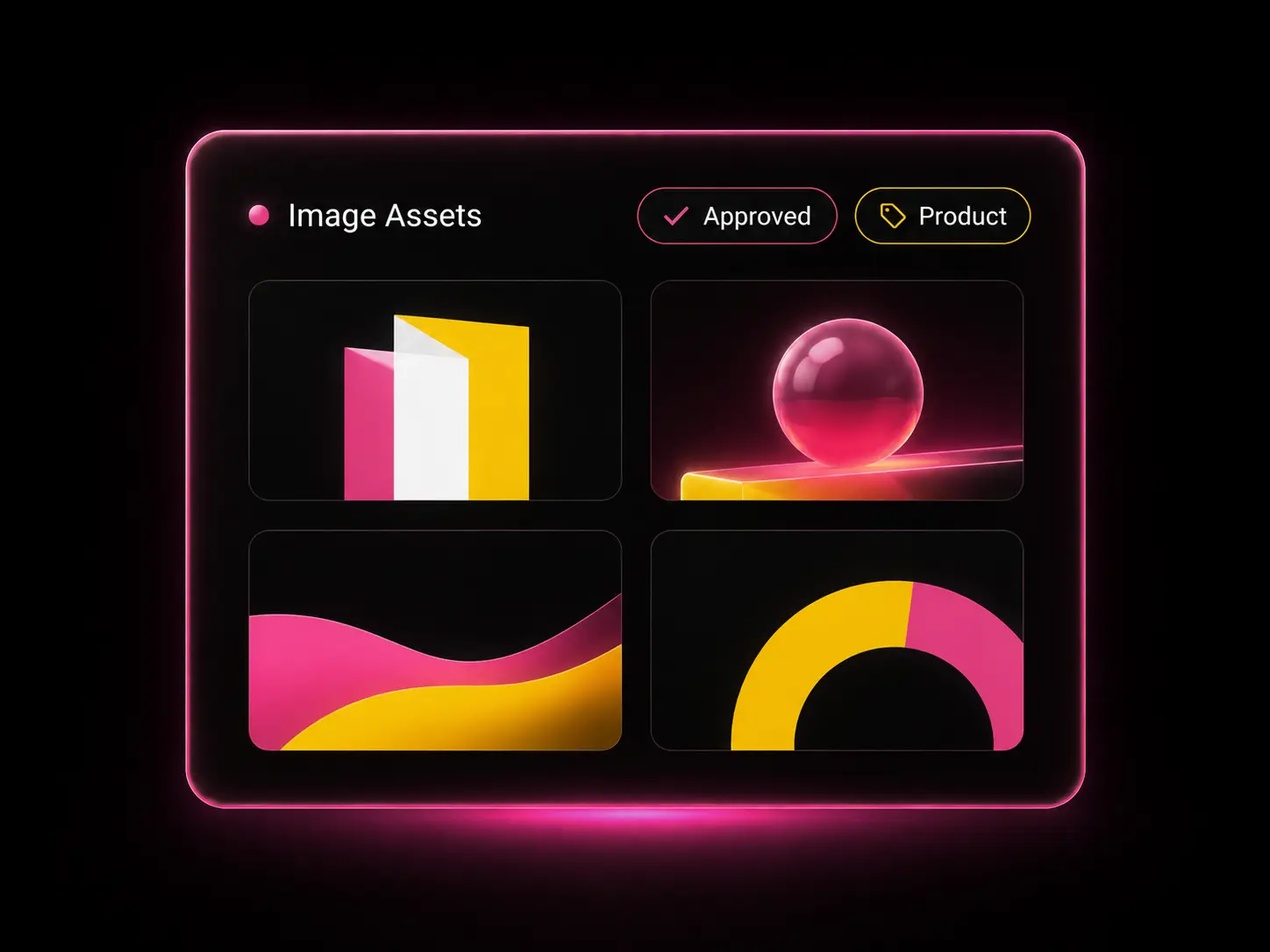
The visual references that help LayerProof understand what “on brand” looks like.
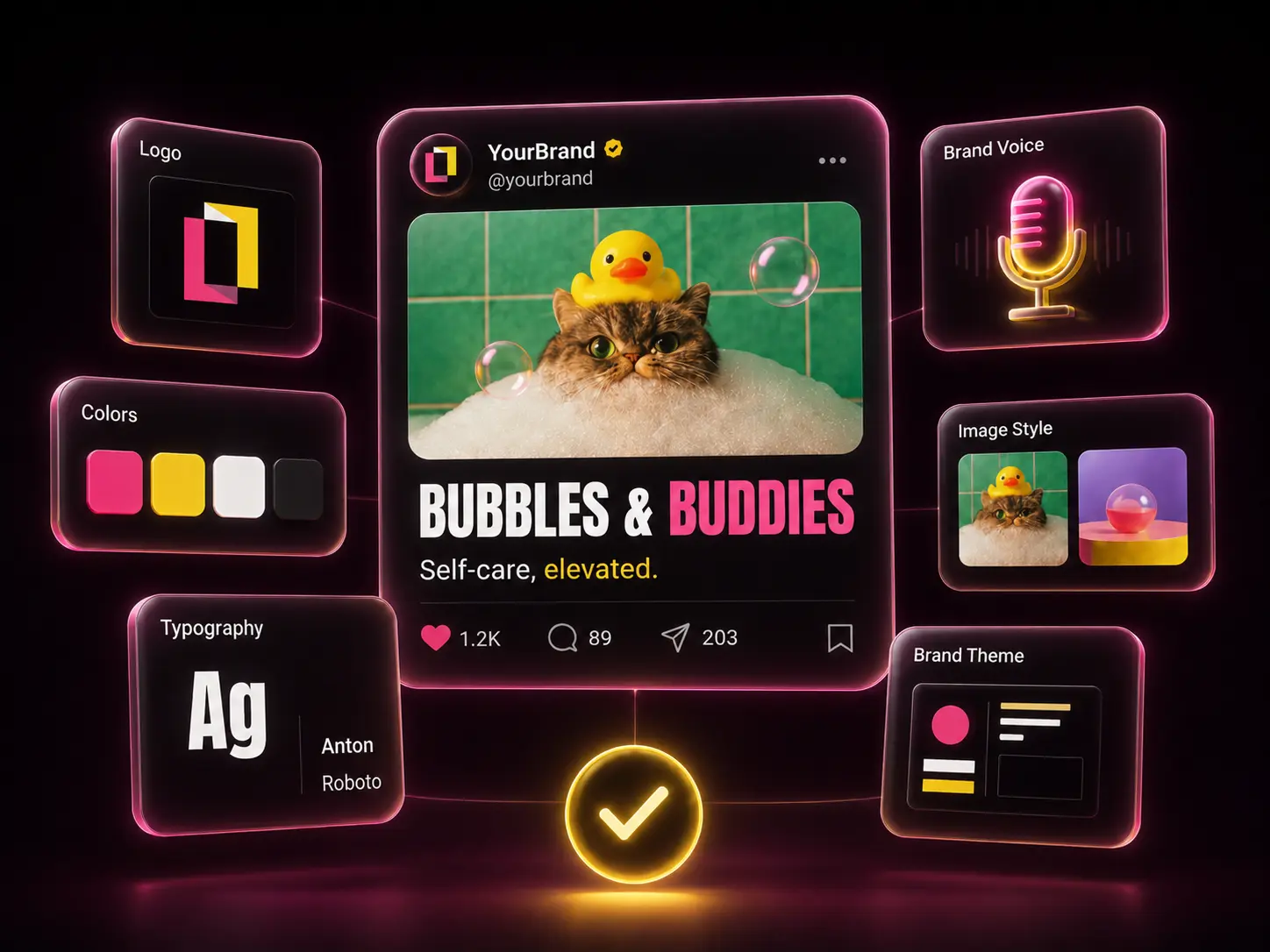
Specific creative directions for campaigns, products, or audiences.
Now your Brand Kit keeps everything on-brand. But every new campaign needs its own look — think Christmas, think summer 🤔. So how do you get creative with the visual direction?
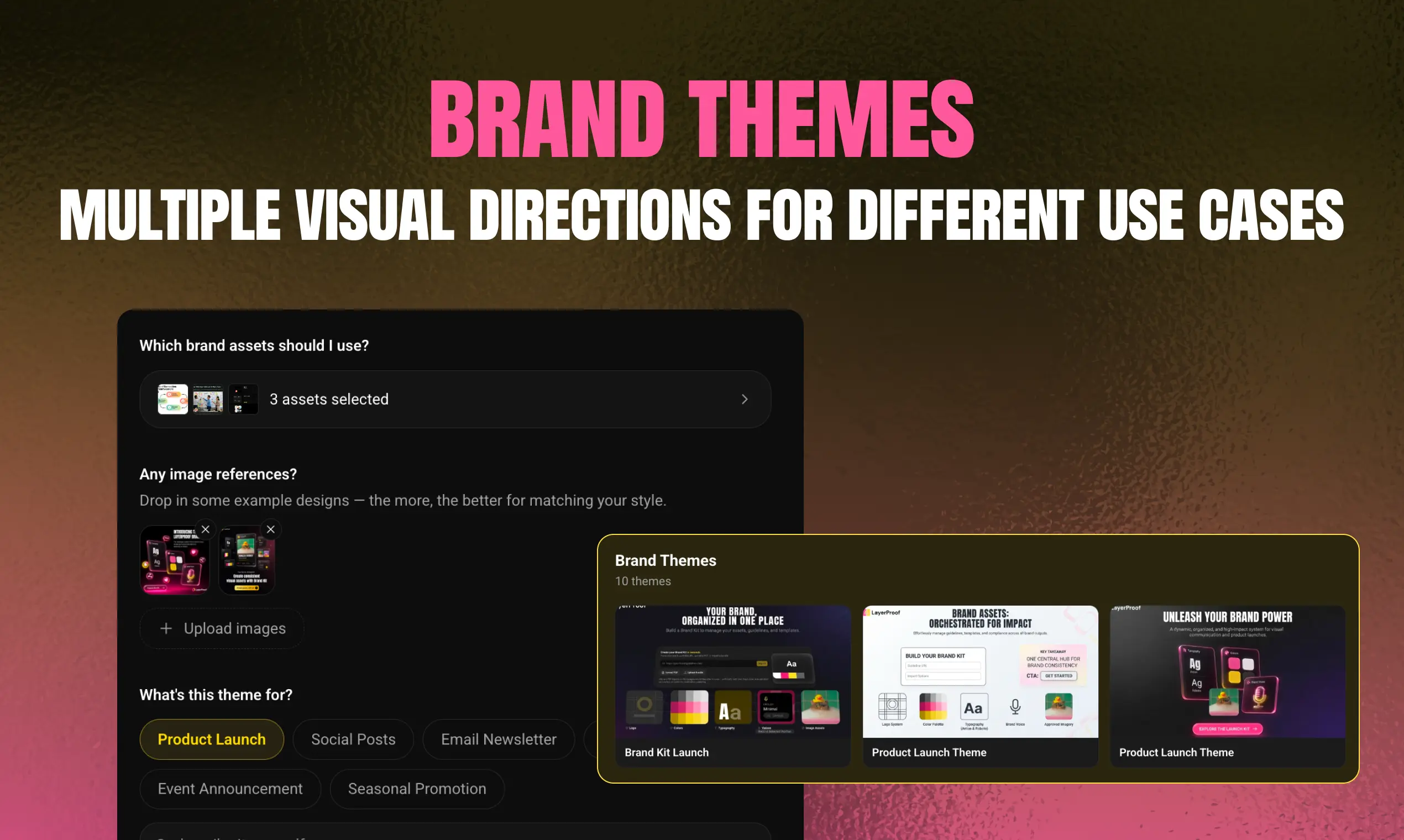
A Brand Theme is a creative direction within your Brand Kit. Your Brand Kit holds the essentials — logo, typography, colors, voice — and each theme adapts them for a specific moment or audience.
Rather than changing the Kit itself, create a theme for each need.
Input finished work as references
Build themes around real work, not vague moods.
Don't worry if brand theme's not ready. AI AGent can help
A chat-based AI agent lets you customize in plain language, eliminating the need for manual adjustments.
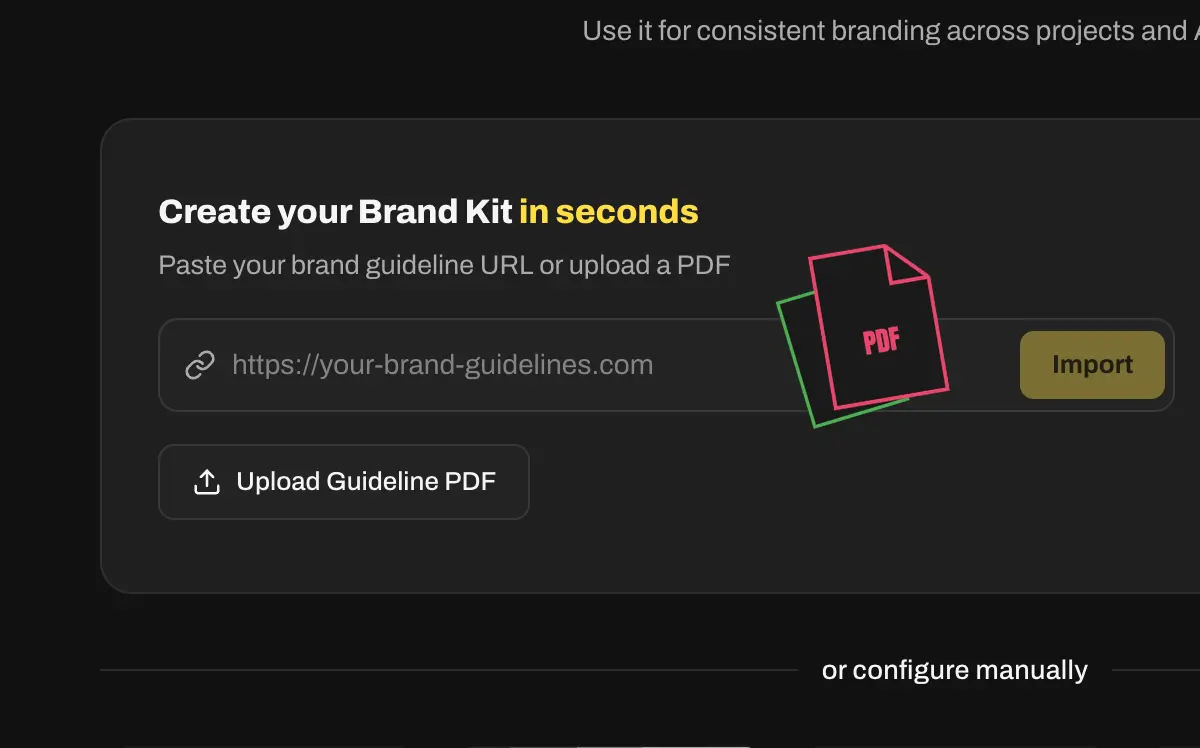
Start with whatever you have: a guideline URL, a PDF, a website, a folder, or past works.
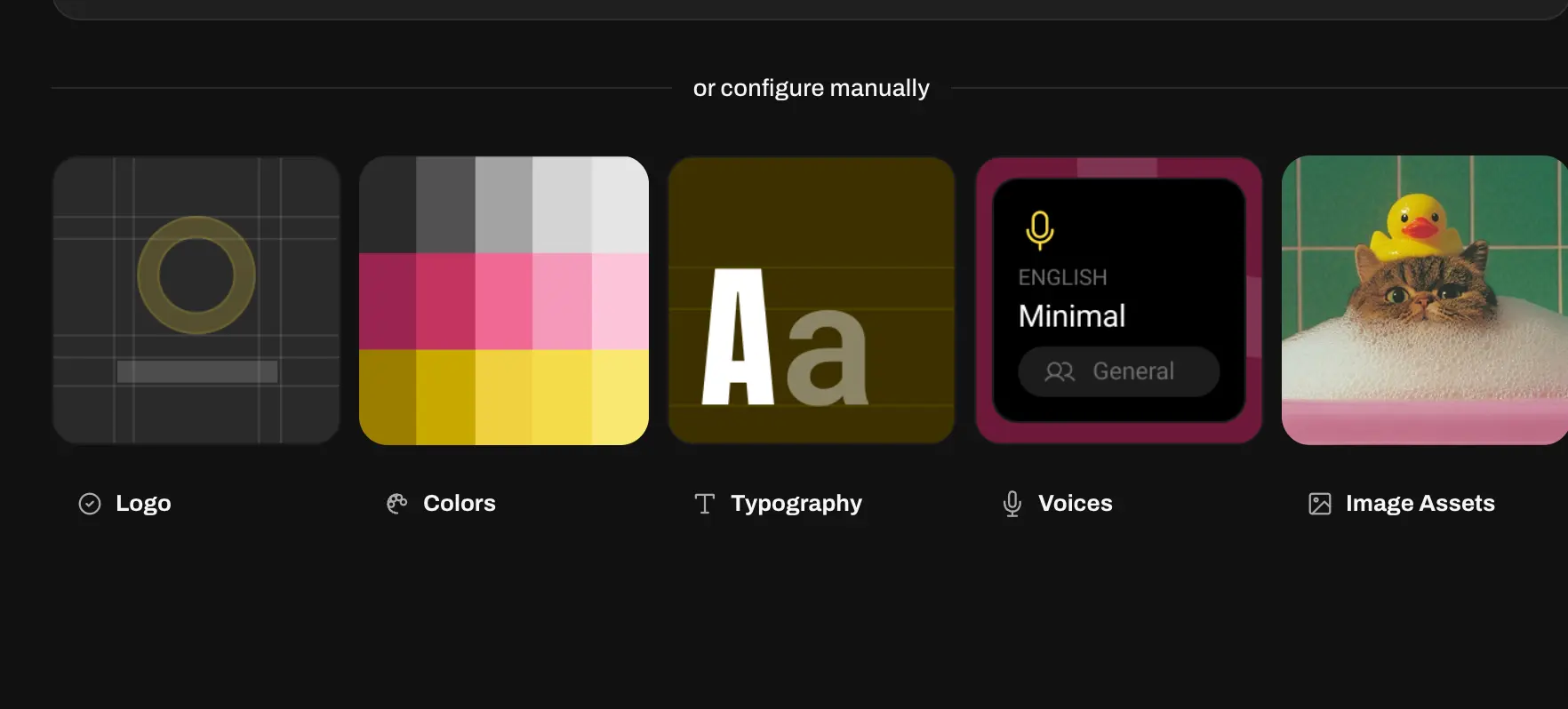
LayerProof extract, you review and correct it. You decide what stays.
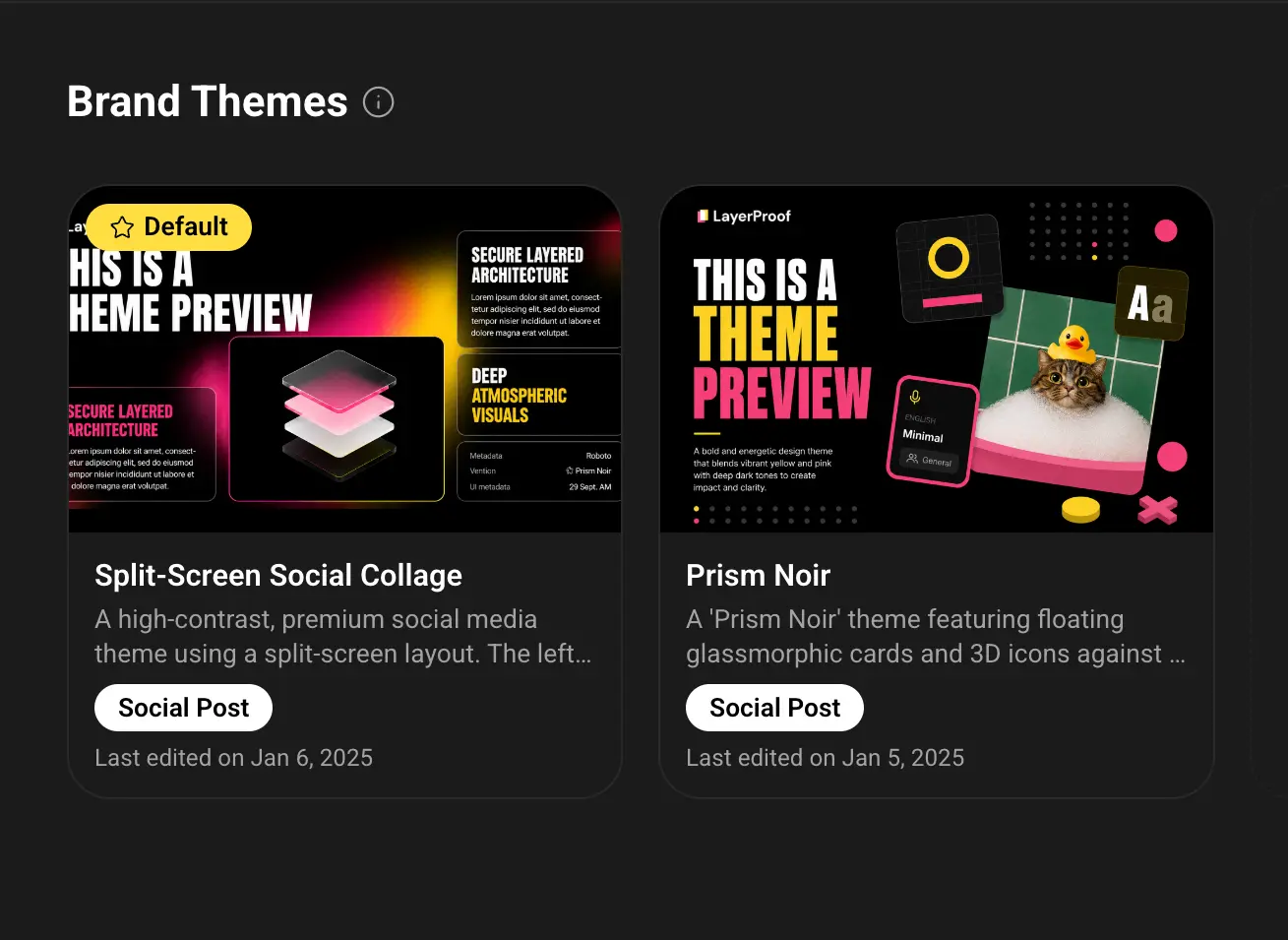
Once the brand is set, brand themes adapt for different purposes.
Choose a Brand Kit or Brand Theme inside LayerProof, then build the asset
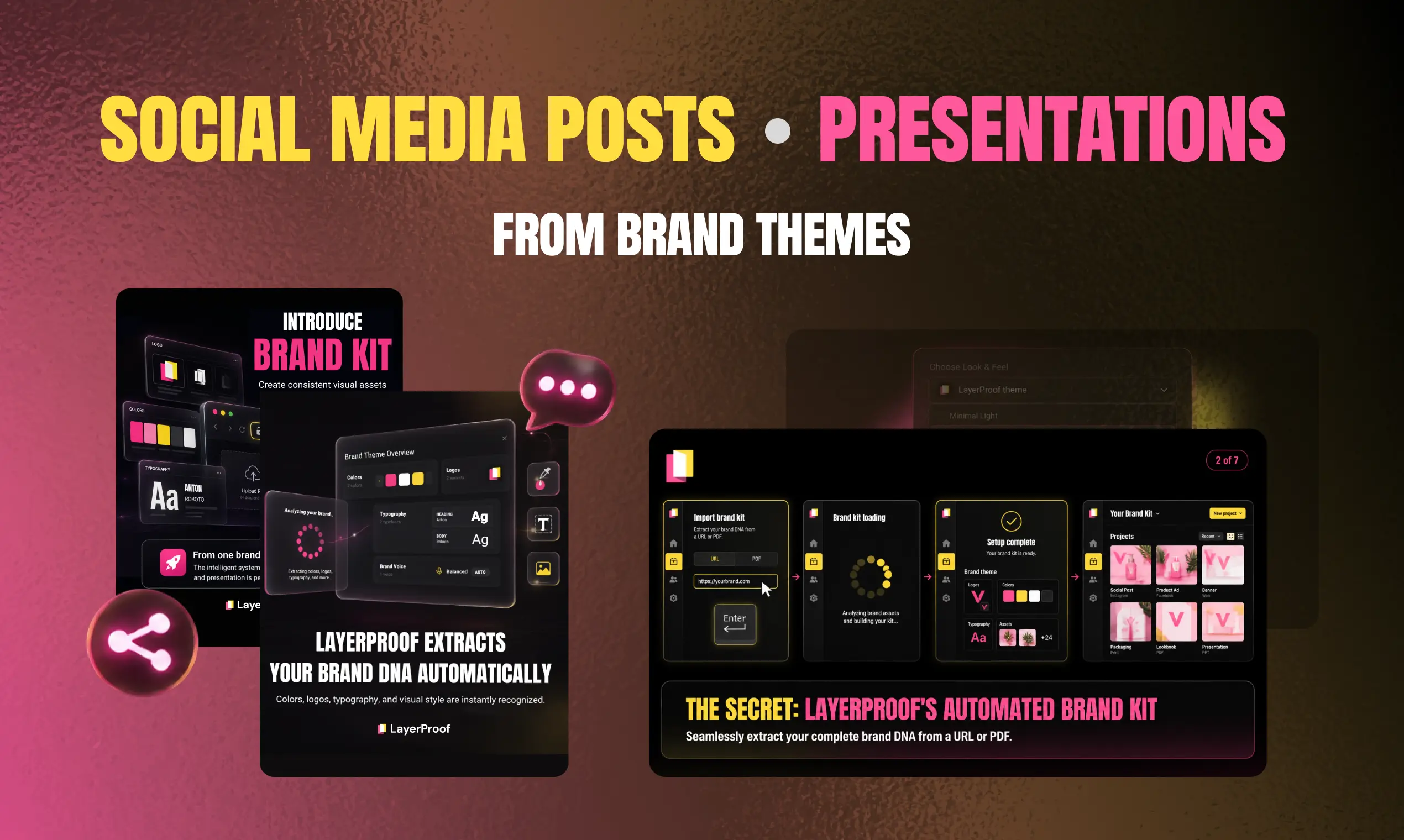
Set up your first Brand Kit, create one Brand Theme, and use it on a real asset. Something your team would actually ship. Then tell us where it worked, and where it missed. They show us where your control needs to get sharper.
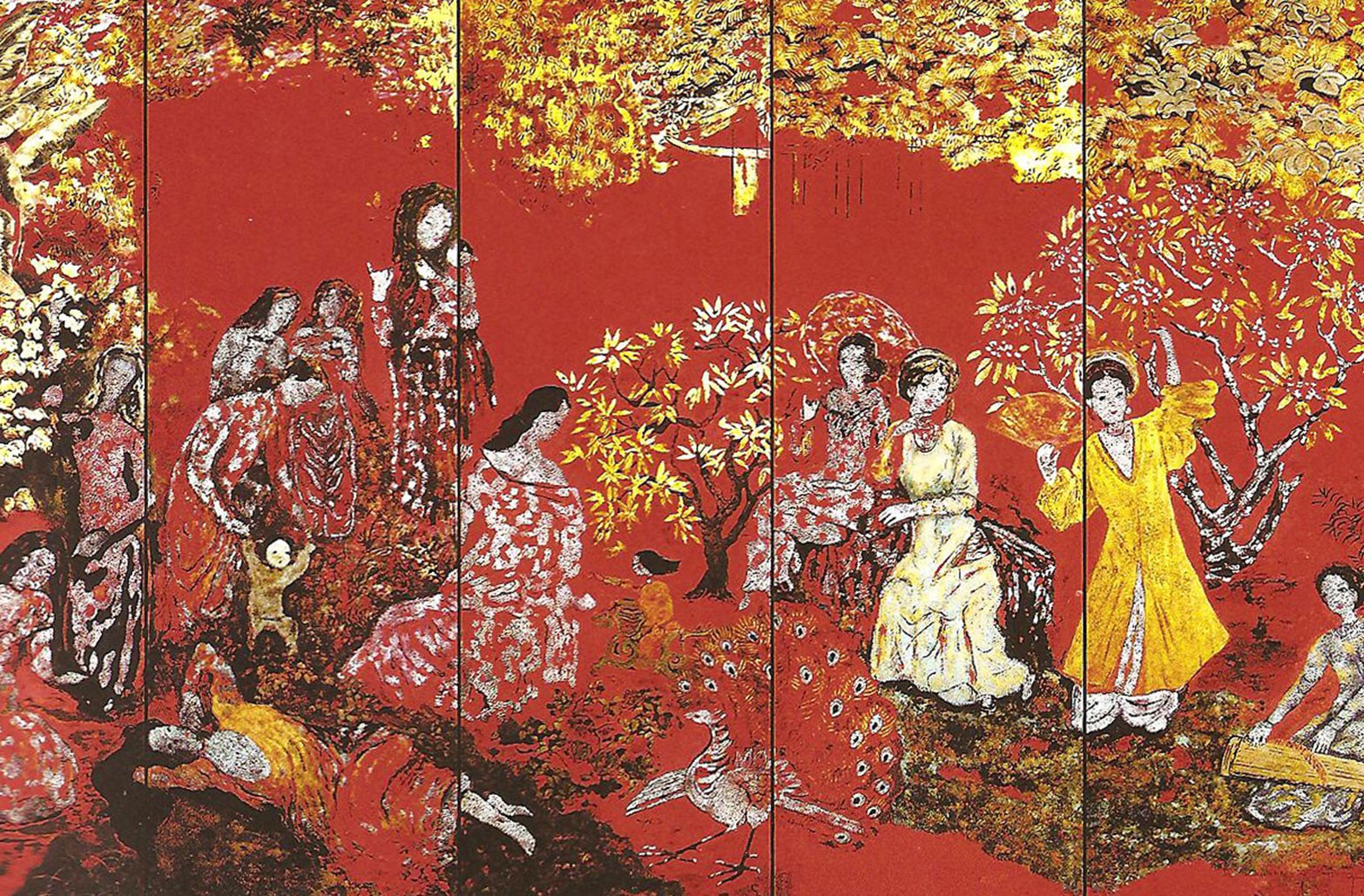
Vietnamese lacquer painting, sơn mài, is built the same way our product is: in layers. Artists lay down dozens of coats, then sand back down through them to reveal color underneath.
Nguyen Gia Tri, Vườn Xuân Trung Nam Bắc, 1989, Ho Chi Minh City Museum of Fine Arts.

This is a small gift for being here with us.